Scheduling Report Exports
You can schedule reports for delivery on a user-defined time schedule.
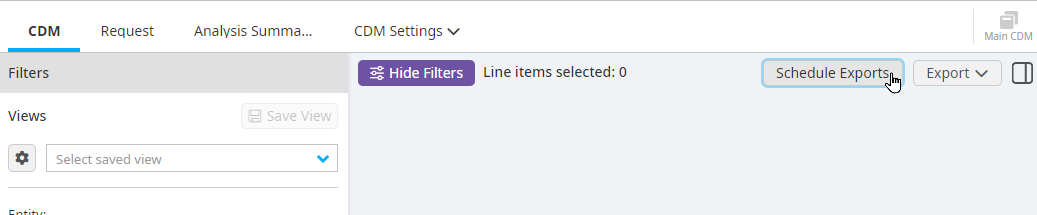
Click Schedule Exports.
Select the view you would like to receive.
Click Add Report Export.
Select which regularly scheduled weekly or monthly interval you want the report sent.
Click Next.
Add the email addresses that these reports should be sent to.
Click Add.