Analysis Summary Tab
The Analysis Summary tab gives you a high level report of the overall health of the chargemaster. The Analysis Summary provides counts of items covering basic metrics, coding exceptions, compliance items and cash/revenue protection.
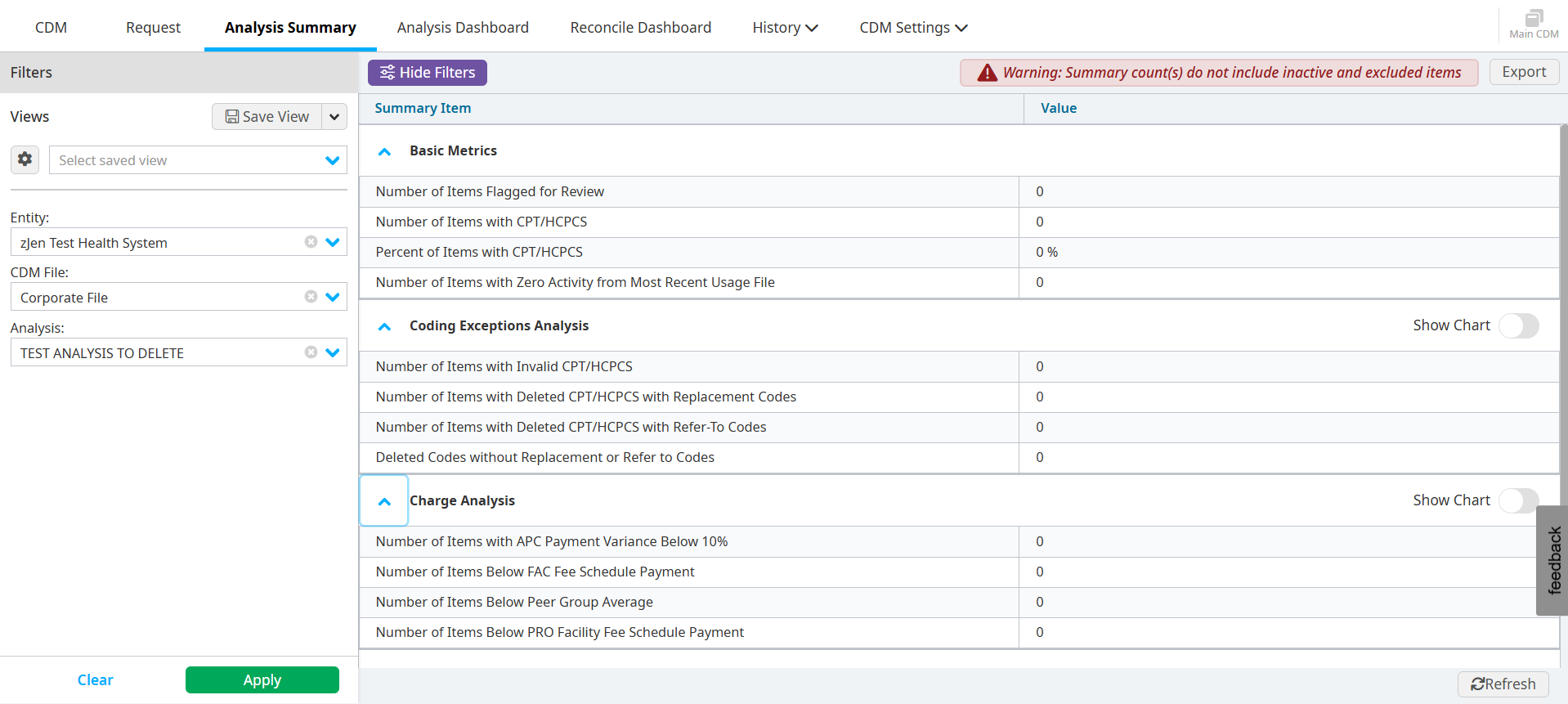
The categories are listed to the left, and the columns on the right display the results of the last three dates that the CDM file was analyzed. This provides a trending view to help you track problem areas and improvement over time.
Clicking any of the hyperlinks automatically take you back to the CDM tab and display the selected report, automatically applying any filters that were used in providing the count in the Analysis Summary.
The Analysis Summary can be exported into an Excel document when you click the Export button.