Creating Exclusion Rules
If your organization has a specific practice that triggers items to unnecessarily fall onto certain reports, you can create a rule on this common factor and run it to remove all items that meet that criteria.
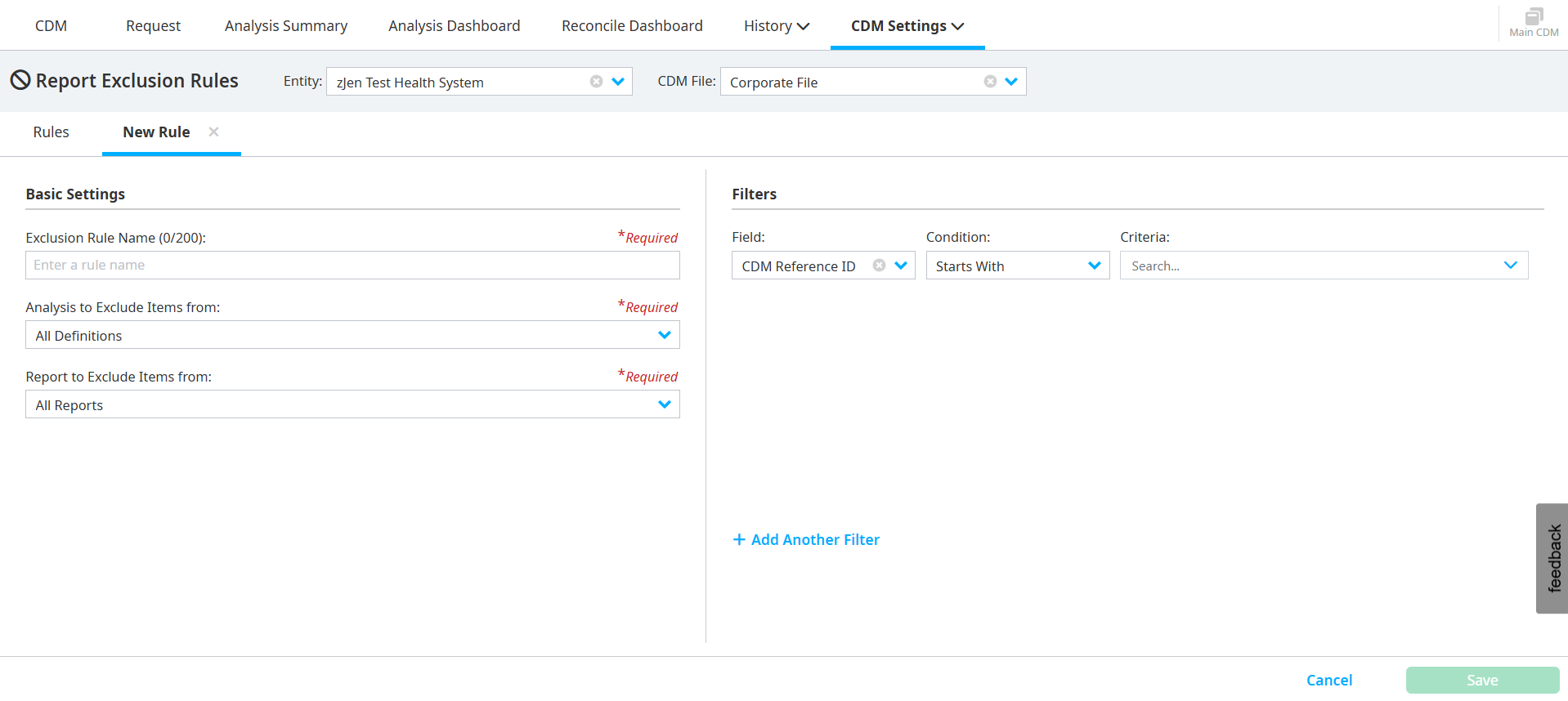
To create exclusion rules, do the following:
Select CDM Settings > Exclusion Rules.
Select the Entity and CDM File.
Click Create Exclusion Rule.
Enter an Exclusion Rule Name in the Basic Settings section.
Select an option from the Analysis to Exclude Items from dropdown.
Select an option from the Report to Exclude Items from dropdown.
Add filters in the Filters section, if necessary.
Click Save.