Search results for

    Show / Hide Table of Contents

    Editing Multiple Line Items

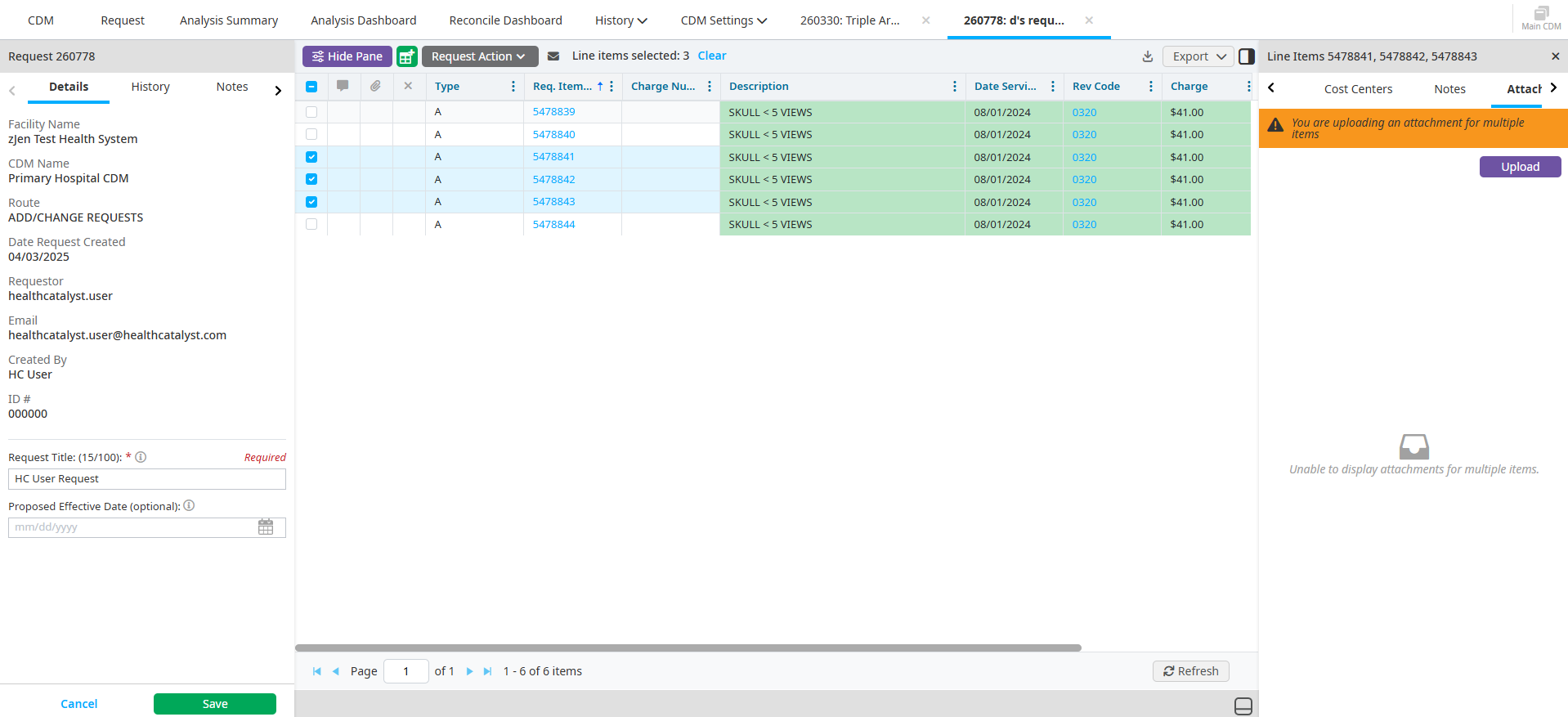
    1. Select all the line items you want to edit.

    2. Select Multi-Edit Selected Active Items button on the Line Item pane.

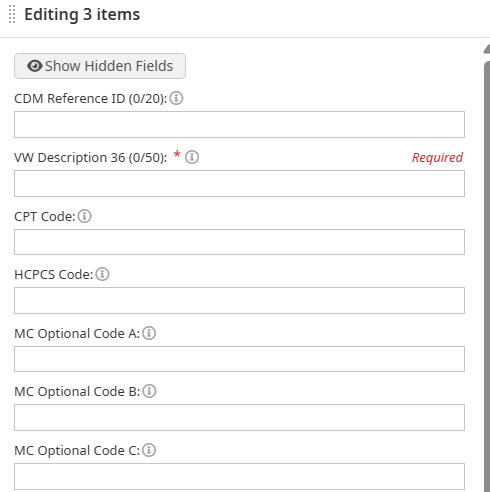
    3. Edit the line items you want to apply to all of the selected line items.

    4. Click Save.

    Was this article helpful?
    Thank you! We have received your feedback.

    Still need help? Ask HC Community or contact support.
    In this article
    Copyright © Health CatalystTrademark Notice