Viewing Case History
How to view Case History
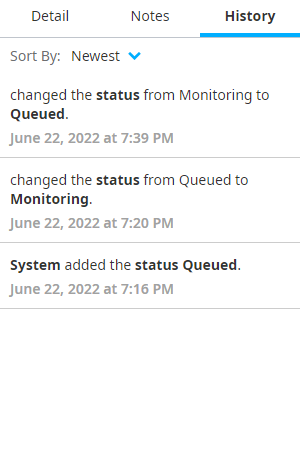
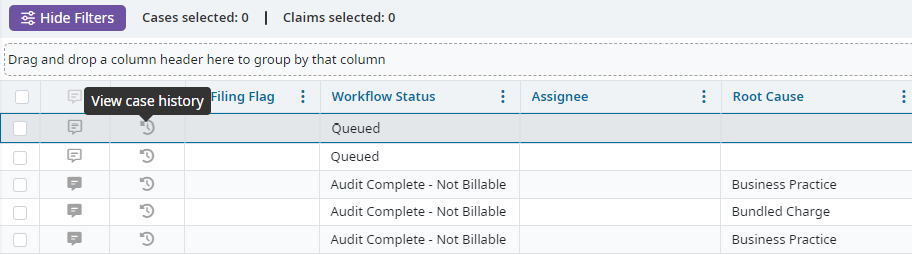
To view the history of updates and changes made to the Status, Assignee, and Root Cause do one of the following options:
- Click the View case history icon in the third colum on the Case Results table.
- Right-click a case on the Case Results table and select Case History.